


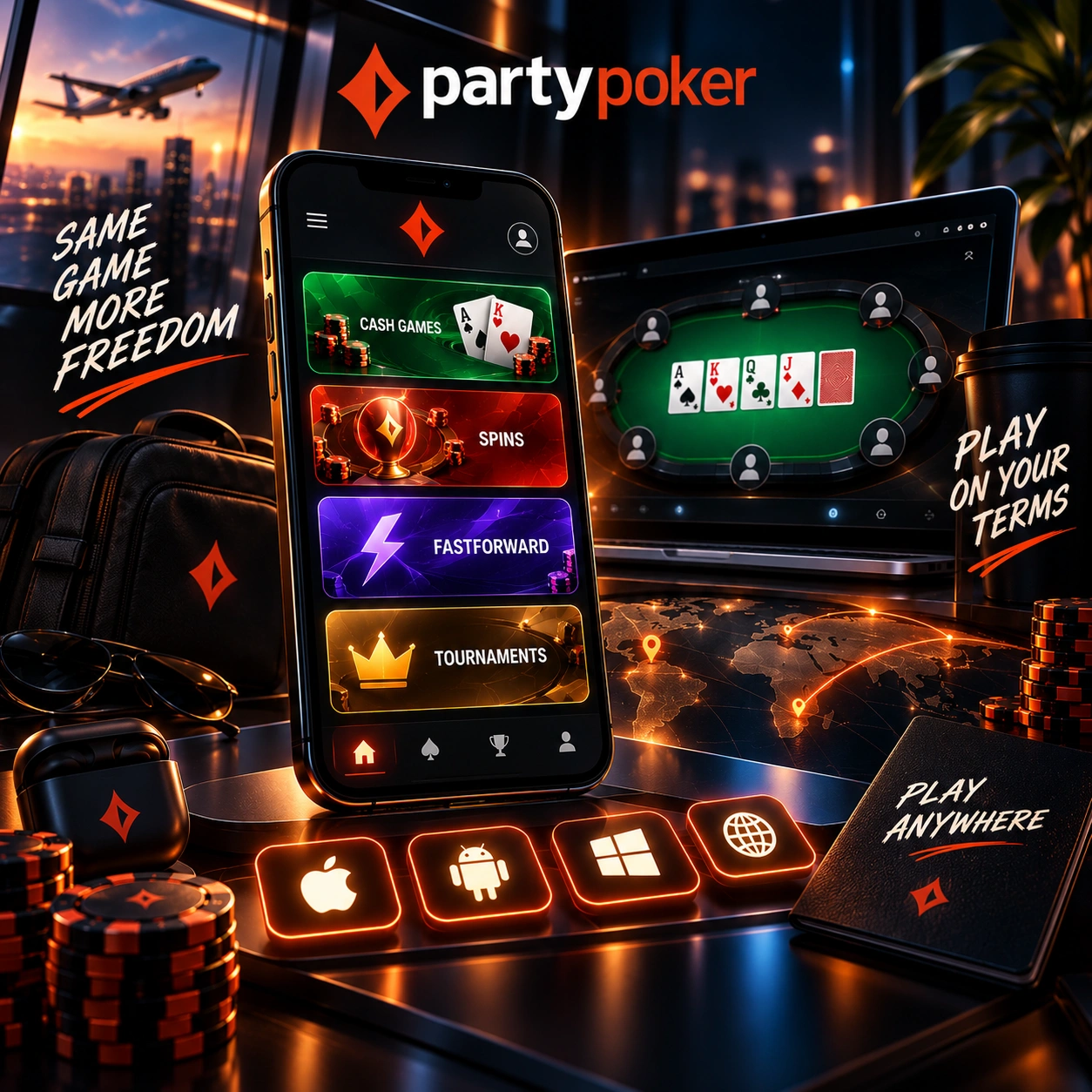
Key takeaways
- How the mobile layout supports one-handed poker play on a smartphone;
- Which faster poker formats can fit more naturally into a short mobile session;
- How to manage up to four tables and different game types on one screen;
- Which lobby tools make it easier to find and enter tournaments from a phone;
- How Hand Replayer helps review a completed hand without switching to a computer.
Download the app and start playing poker sessions that fit into whatever time you actually have.
Prepare the Screen Before the First Hand
Getting comfortable with the mobile table matters before the cards are dealt, especially when a session is being played in a short window of free time. A layout designed around a phone screen can reduce unnecessary repositioning and keep the main controls accessible throughout a hand.
Portrait Layout, One-Hand Controls and Raise Slider
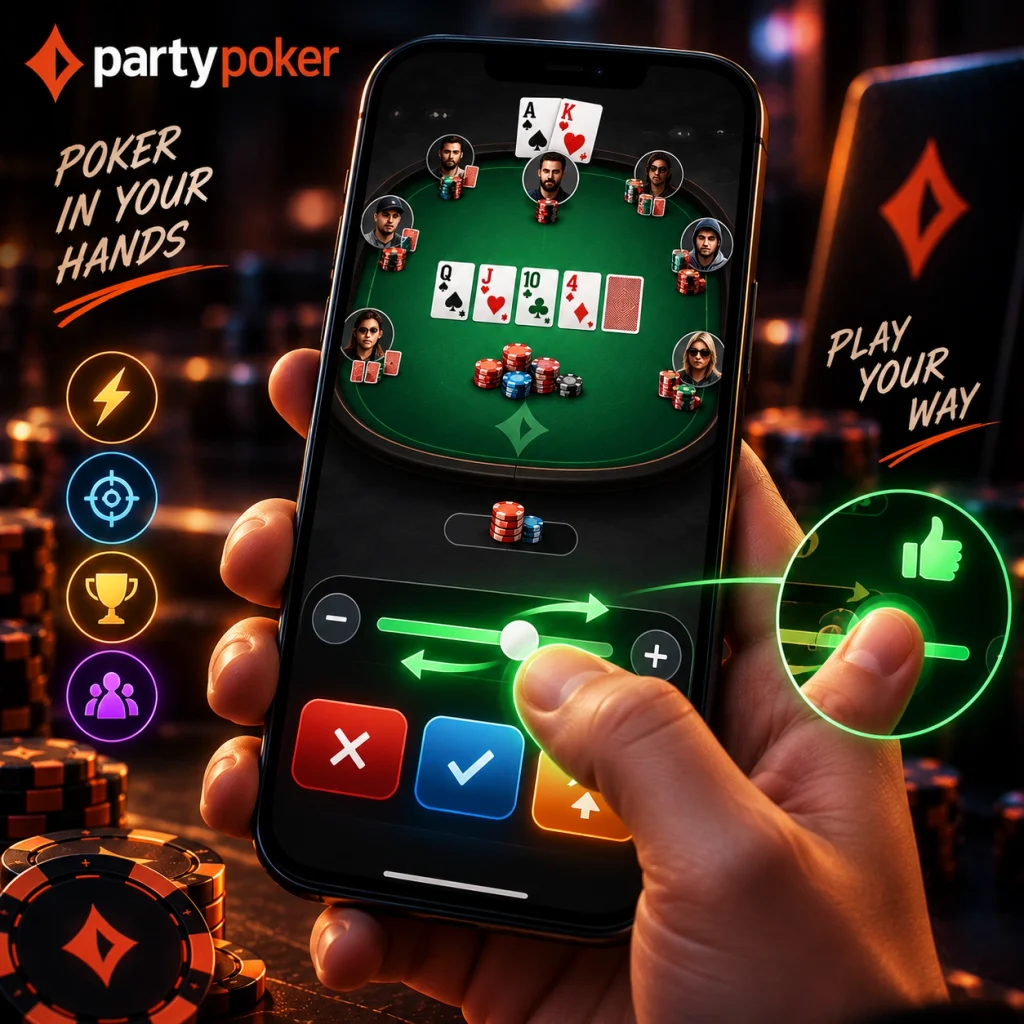
Mobile poker works better when the screen doesn’t need constant repositioning mid-hand. The PartyPoker mobile app runs on a portrait layout built for one-handed use, so there’s no need to keep switching grip or rotating the phone between hands. A centralised raise slider sits within easy reach of a thumb, keeping the most-used action close at hand rather than tucked into a corner of the screen. Together, these design choices are meant to keep a mobile session comfortable even when it’s played standing up or on the move.
Use Short Breaks for Faster Poker Formats
A limited window of time can still work for poker if the format matches the length and pace of the session. Faster formats reduce the need to commit to the open-ended schedule that can come with a longer multi-table tournament.
Fastforward Pools and SPINS Mobile Sessions
Fastforward deals a new hand immediately after a fold, pulling a player straight into fresh action instead of waiting on the same table to finish a hand. SPINS compress an entire tournament format down to just a few minutes, which fits into a short mobile session far more easily than a PartyPoker app user could manage with a full-length multi-table tournament. Both formats are built around the same idea: keep the action moving so a short break still counts as real playing time.
Keep Several Game Types Active Together
A more active mobile session does not have to stay limited to one table or one format at a time. Players who are comfortable following several games can use the mobile layout to keep multiple tables active on the same screen.
Four Tables Across Cash, SPINS and Tournaments
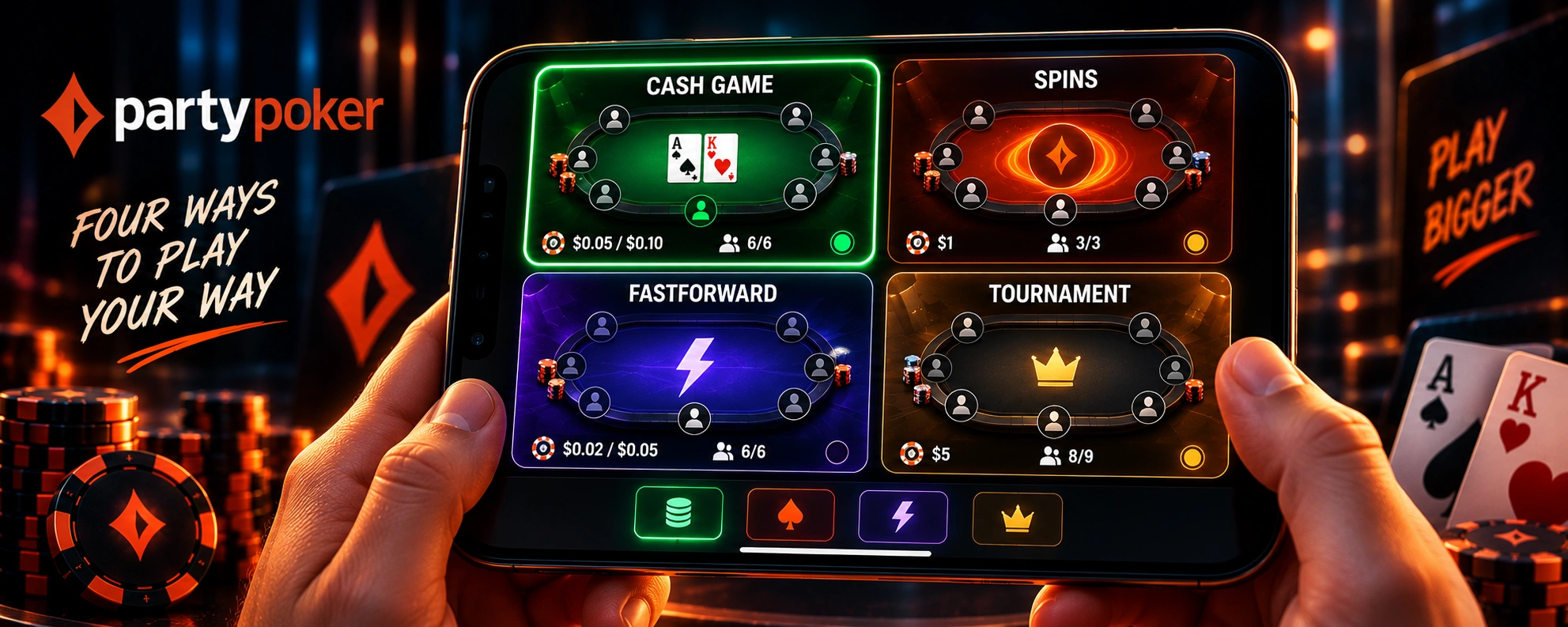
Up to four tables can run on a single screen, and there’s no requirement that they all be the same format:
- Cash Games;
- SPINS;
- Fastforward;
- tournaments.
A PartyPoker app download makes that kind of multi-tabling possible on a phone the same way it’s long been possible on desktop, just adapted to a smaller screen through tiling.
Join Tournament Action Without Desktop Planning
Tournament play can be managed directly from the phone rather than requiring a desktop session first. The mobile lobby includes navigation and registration tools designed to help players narrow down available events and move from browsing to an entry more quickly.
Filters, Instant Registration and Major Events
The mobile lobby’s filters narrow a long event list down quickly, switching between a carousel or tiled view depending on what’s easier to scan in the moment. Instant Registration removes the extra step of confirming an entry separately, letting a player join as soon as they’ve found the right event. Major flagship series run through the mobile app too, so a big tournament isn’t something that requires switching to a computer to enter.
Review a Finished Hand While It Is Fresh
Finishing a hand doesn’t have to mean it’s gone from memory. Hand Replayer brings a completed hand straight back up, showing the full action alongside the showdown percentages for whoever was involved. That makes it possible to work through a decision, a call, or a fold right after it happened, without needing a computer to pull up the same information later.
Turn Mobile Tasks Into Extra Table Interaction
Completing tasks in the app can earn Diamonds, an in-game currency used for additional table interactions. Rabbit Hunting lets players spend Diamonds to reveal cards that would have been dealt if a completed hand had continued. Players using the PartyPoker app can also spend Diamonds on interactive features such as throwing virtual objects at opponents, adding a social element beyond the standard betting controls.
Check Flexible Poker Funds From Your Phone
PartyDollars don’t require switching to a computer to check or spend. A current P$ balance is visible right from the app, and that balance can go toward cash games, Fastforward, MTTs, SPINS, and Sit & Go entries without needing to convert it into anything else first. That flexibility matters most for a mobile session, where the ability to jump between formats without stopping to manage funds separately is part of what keeps the session moving.